
Étude Spark for iPhone · Now in beta
Keep the magic
between lessons.
Bring your child’s practice plan to the piano.
Follow the teacher’s instructions, listen to an example, and record a take to hear how their playing changes. A little garden grows alongside their practice, celebrating the effort they put in.
Try the iPhone betaFor families · Free during beta
Available on iPhone through TestFlight.
01 · Before the first note
A clear place
to begin.
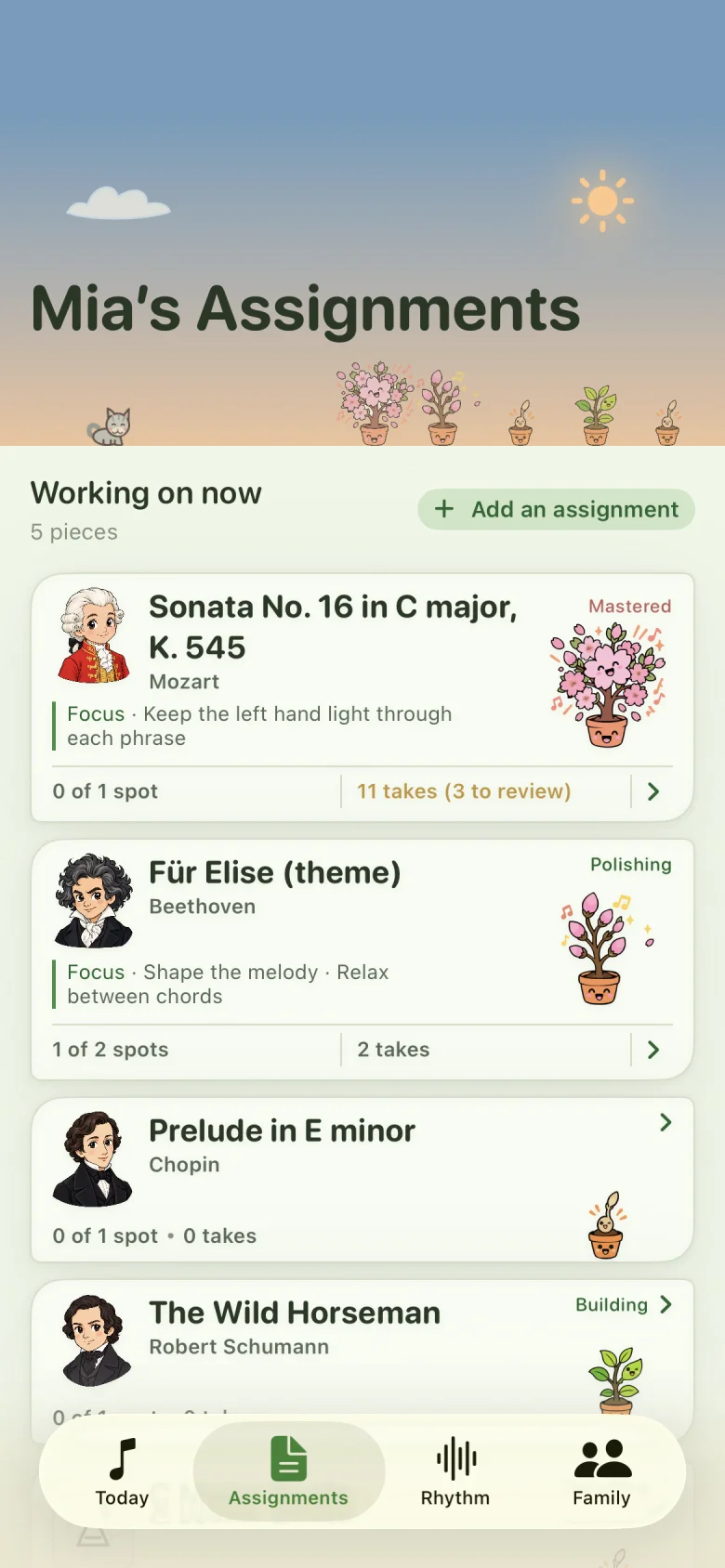
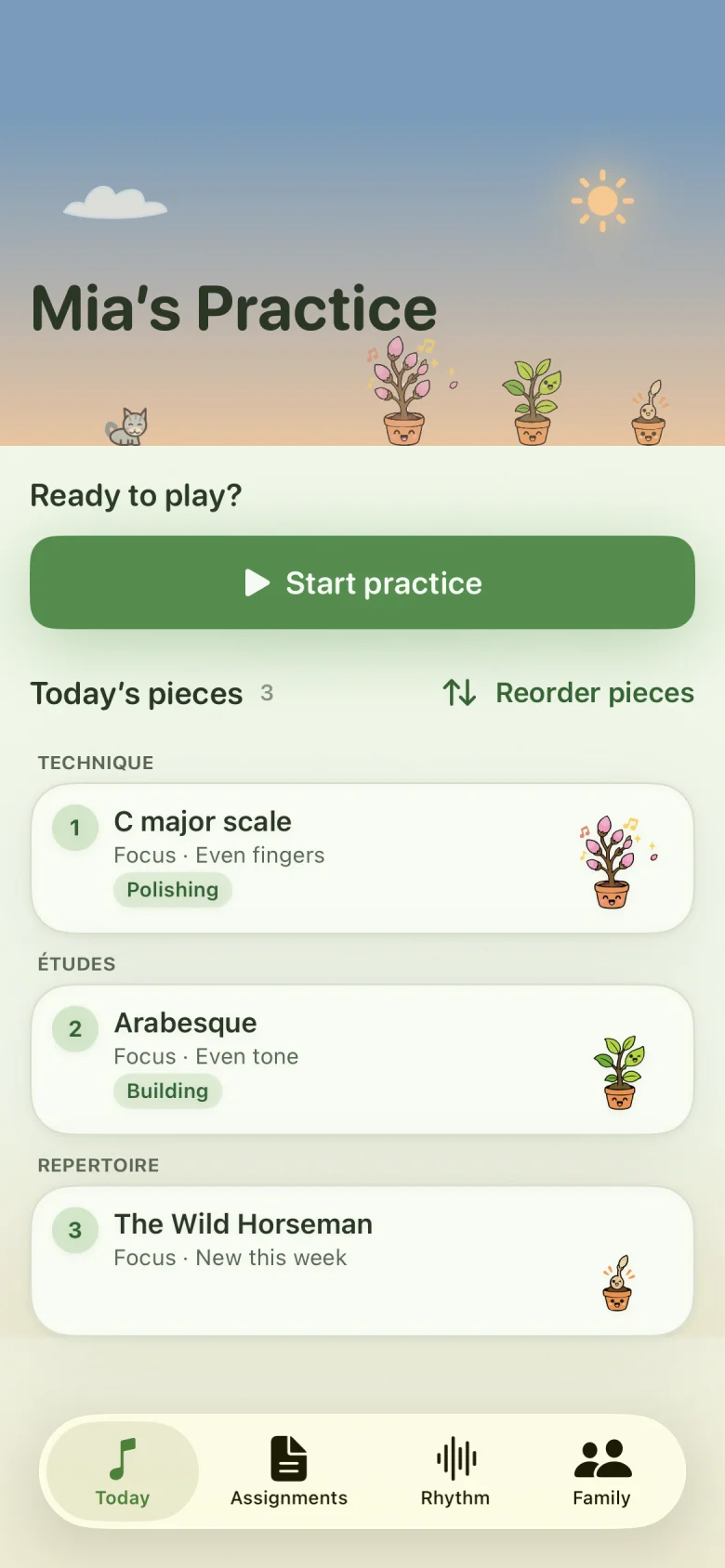
Open today’s plan to see which pieces to work on and what to focus on in each. Your teacher’s instructions stay alongside the music, including passages to repeat and a tempo to aim for.
Practice Spots are short sections of a piece chosen for focused work. They give your child a specific place to begin.
Practicing without a connected teacher? A parent or guardian can organise the plan, too.
- Today’s pieces, in a simple order
- Teacher instructions and focused practice Spots
- Each piece moving at its own pace
- A plant for each piece, nurtured through practice
02 · At the piano
Listen. Try it.
Listen again.
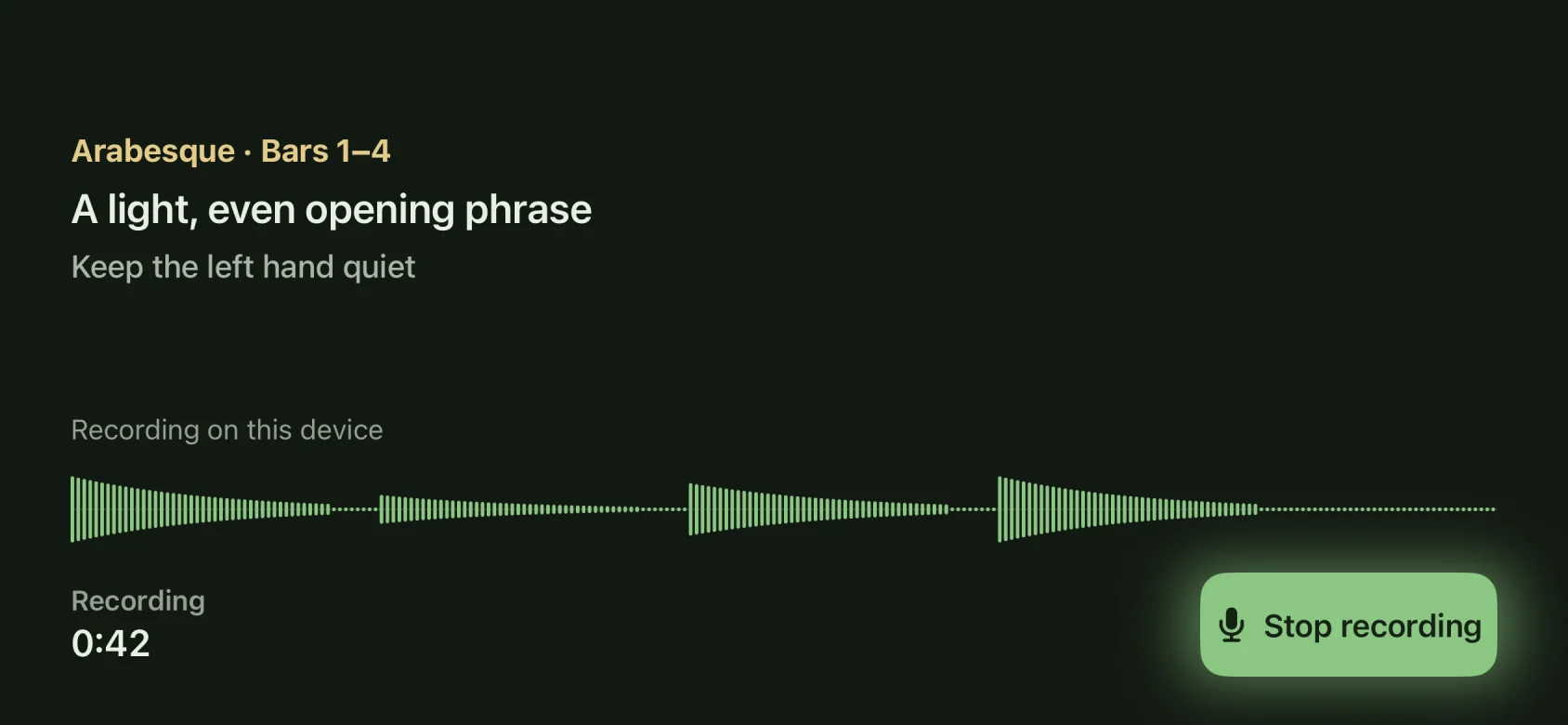
Play the teacher’s example, slow it down, or set a steady pulse with the metronome. Record your child’s attempt and listen back together to hear what changed.
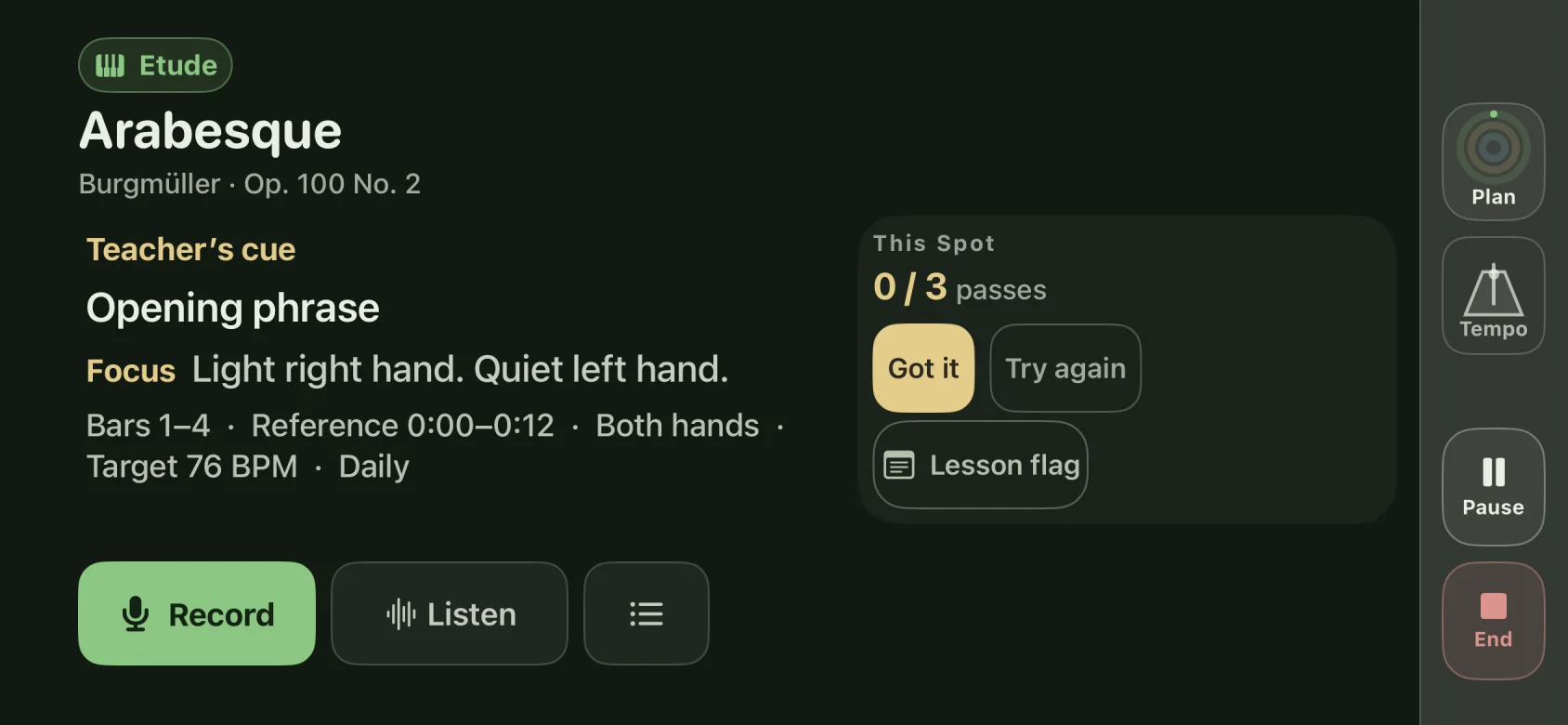
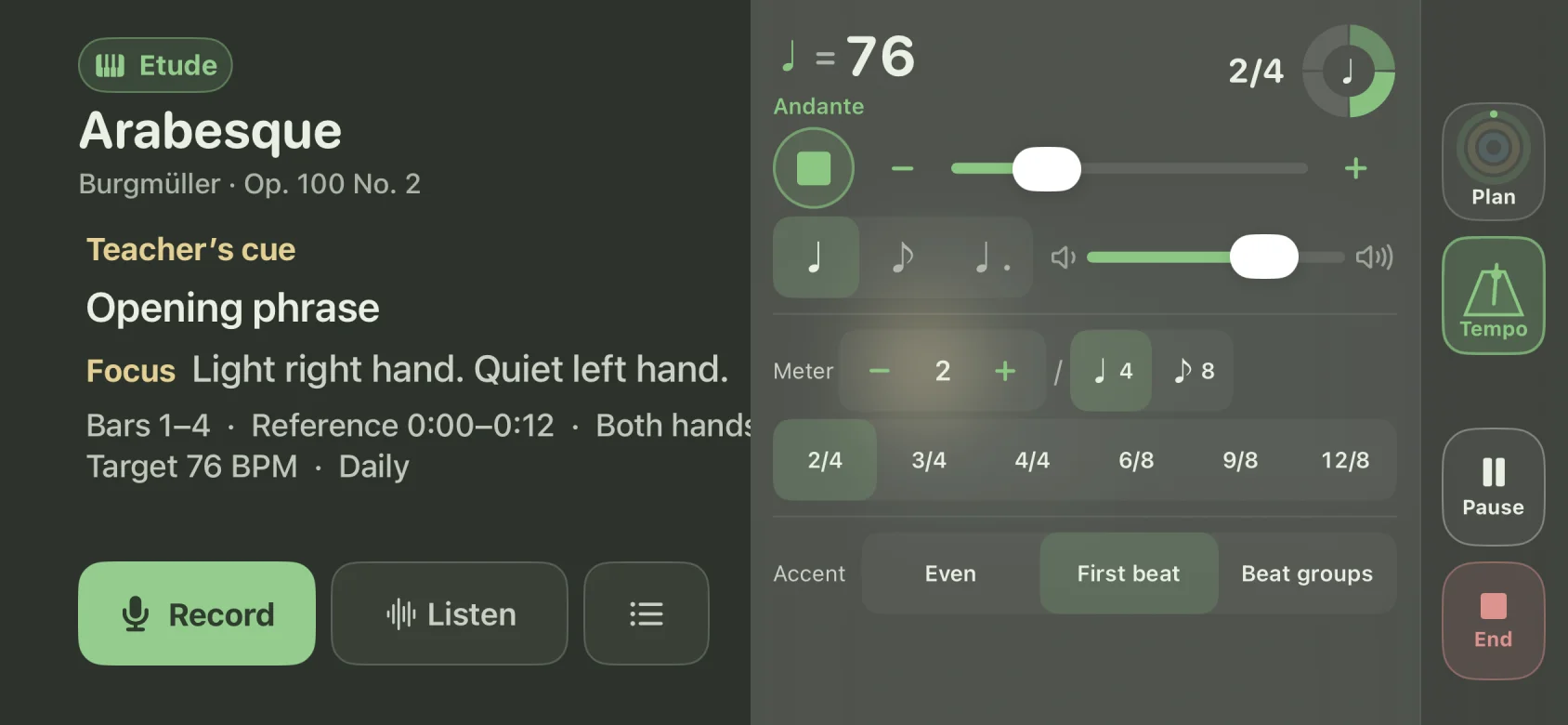
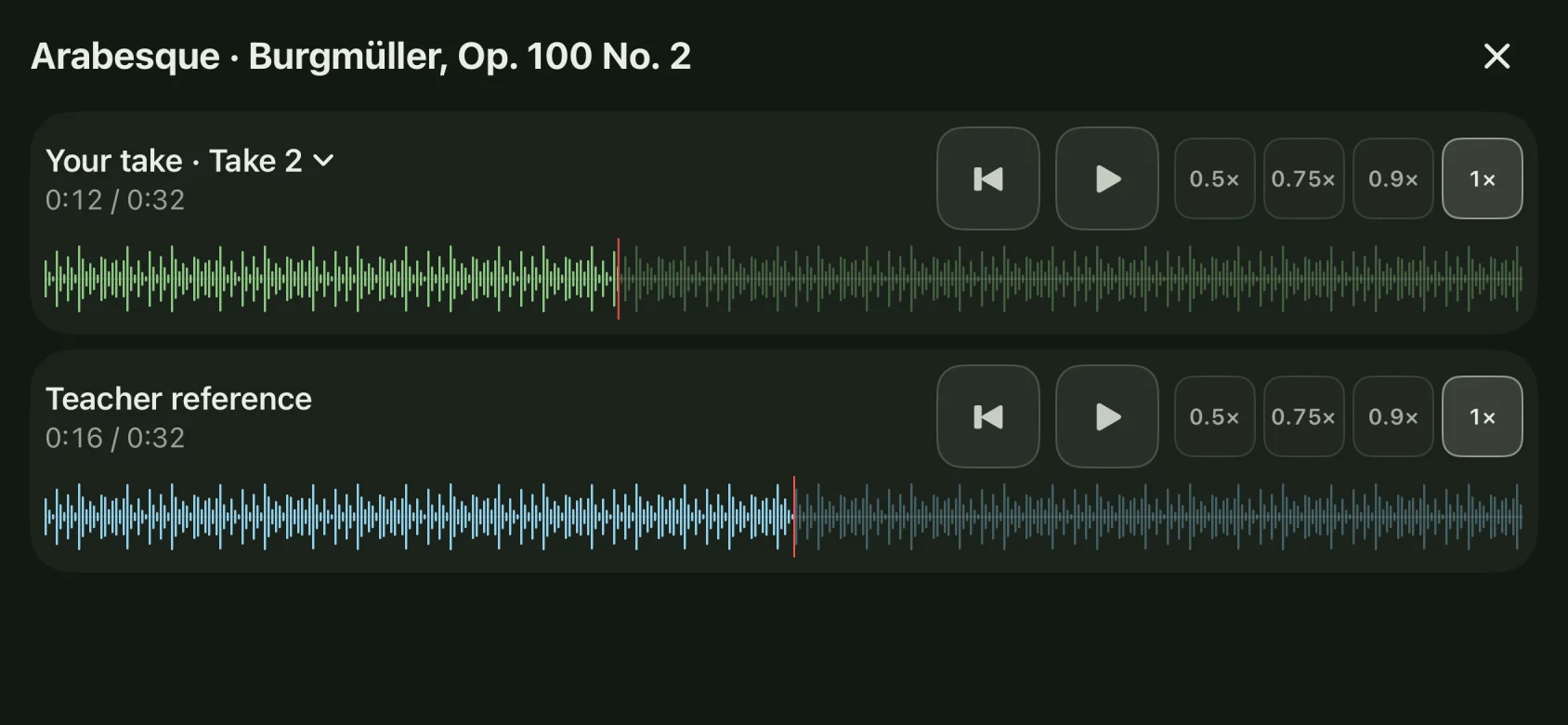
A little more time. Slow the reference down to hear how a phrase fits together.
A closer listen. Save a take and return to the parts you want to hear again.
03 · A little, often
Small efforts.
A growing habit.
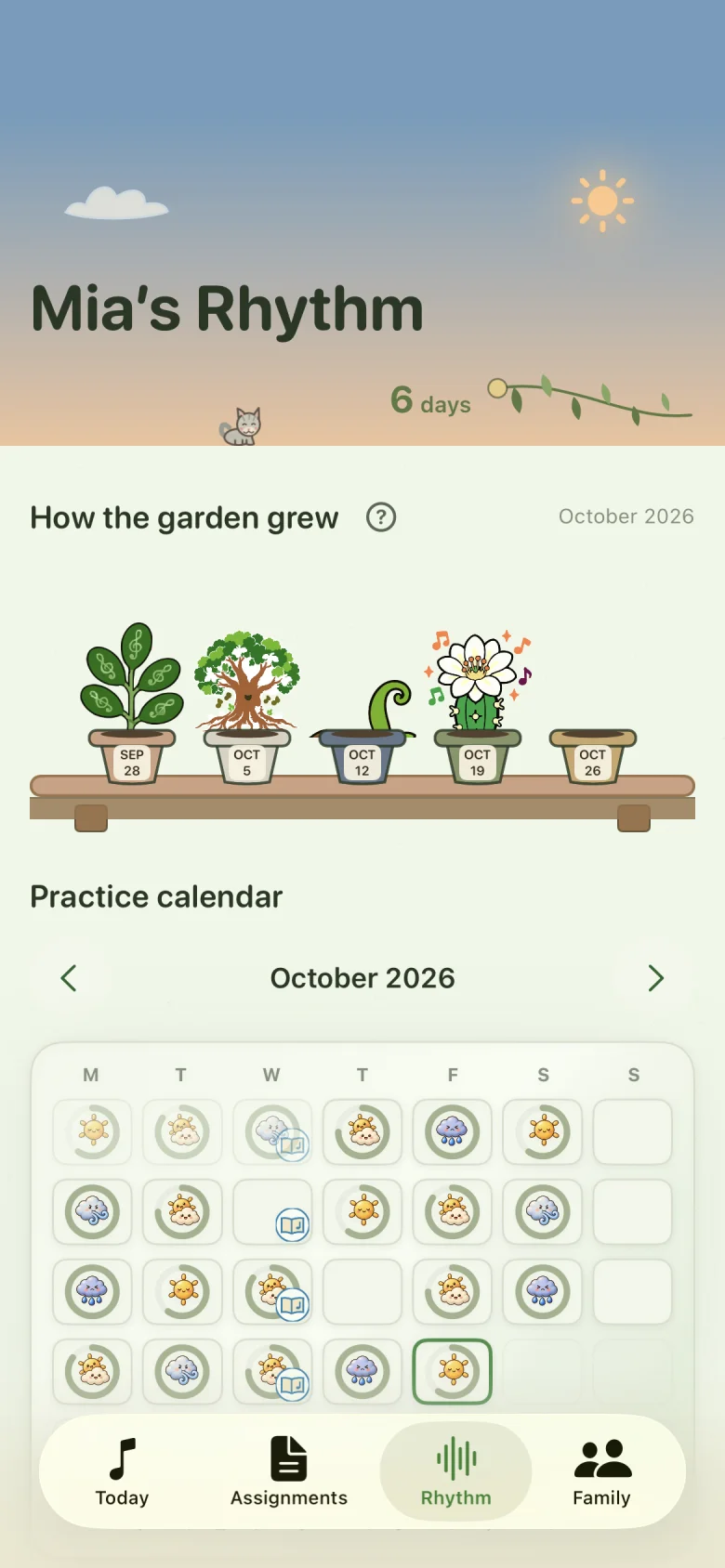
Every piece has a plant to nurture. Practising helps it sprout and grow; completing a practice Spot’s repetitions adds a bloom. These small rewards make effort visible and give your child a playful reason to return to the piano.
The Rhythm calendar shows when your child practised, with daily activity rings and reflections on how it felt. Each pot on the garden shelf holds a week of practice, building a collection you can look back on together.
The garden celebrates taking part, at your child’s own pace. Saved recordings let you hear the musical progress behind the growing plants.
A record of effort, without performance grades.
Connected to your teacher
The lesson continues
at home.
Connect with a participating teacher to receive their assignments and reference recordings. With your consent, practice activity is shared back so they can see what your child worked on before the next lesson.
Leo’s teacher sets the focus in the teacher workspace; his family sees the same assigned pieces and instructions in his app at home.
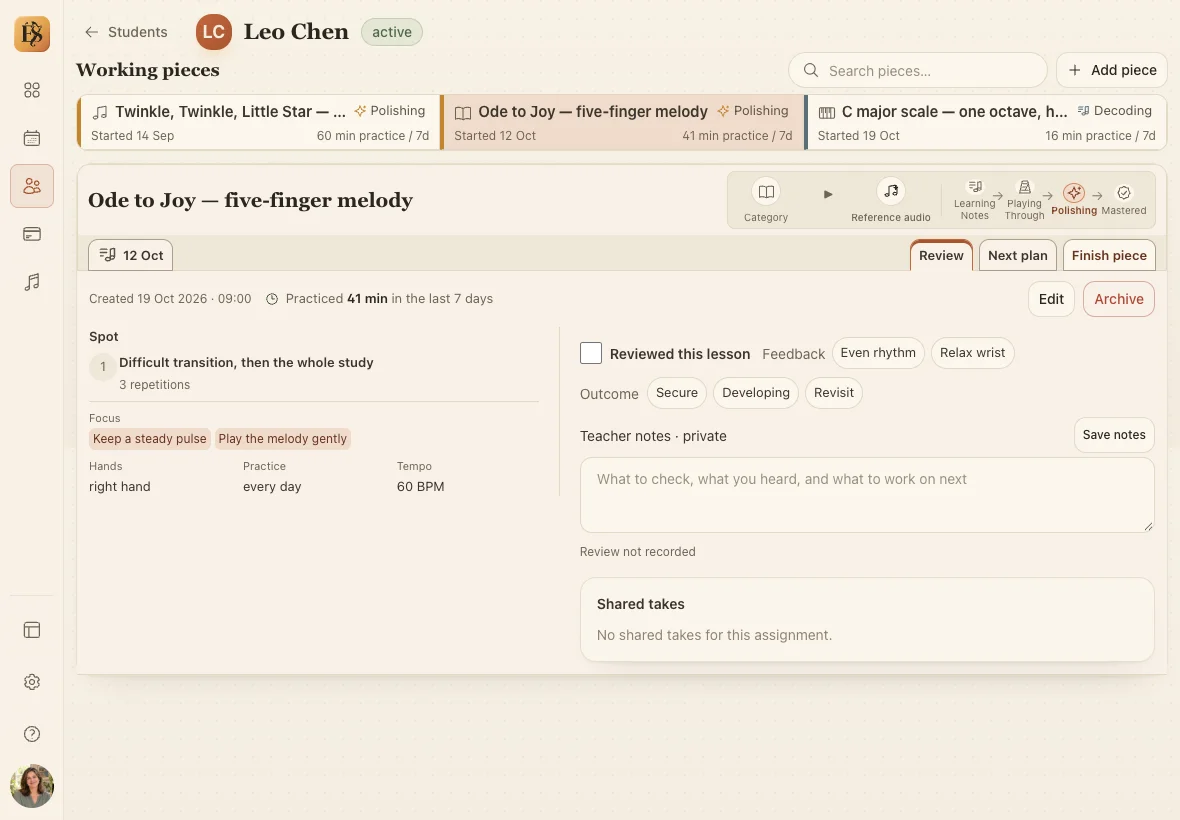
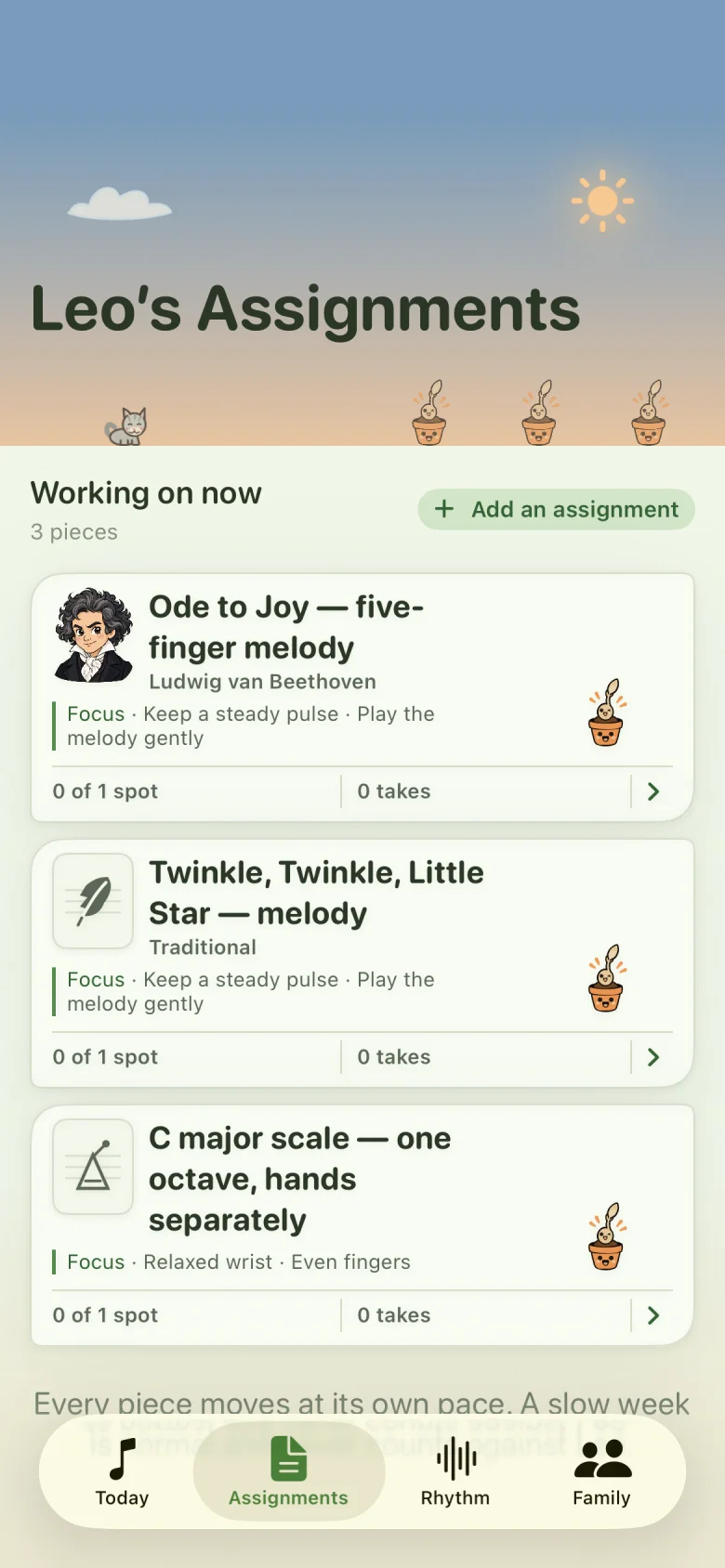
Sample lesson shown in the teacher workspace and family app.
Explore the teacher workspaceFor parents and guardians
More helping hands.
One shared plan.
One week, many hands. A little practice, held together.




Parents taking turns, co-parents in different homes, or a grandparent helping for an afternoon. Each adult can follow the same plan and pick up where the last practice left off. Their “how it felt” reflections help everyone understand the days behind the practice.
Away from home? Follow your child’s practice activity and listen to recordings approved for the family vault. You can still be part of the week.
You choose who can help.
Invite another guardian and approve their access. Each adult signs in with their own account to see the child’s shared plan and practice history. Switch between your children’s profiles when you need to.
Listening, with your permission.
Family vault backup requires Premium access and your approval for each recording. Guardians with access to that child can listen to vault recordings. Recordings kept only on an iPhone stay on that device.
The music you’ll want to remember
Small beginnings.
Precious memories.
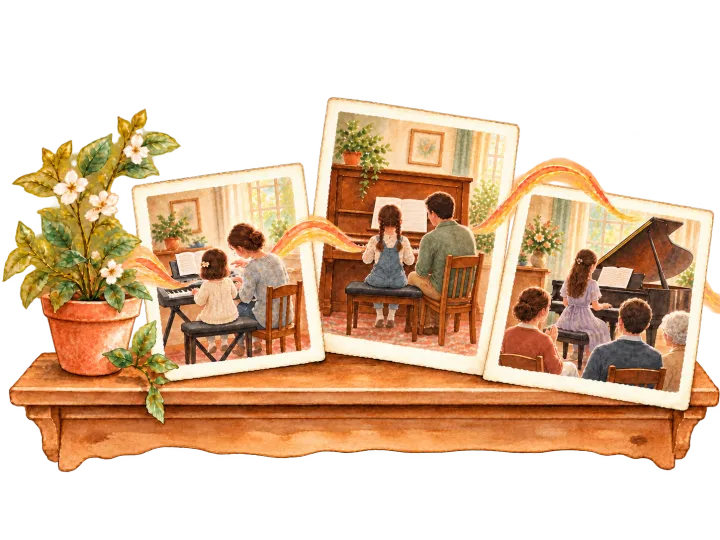
That first hesitant phrase. The passage they kept coming back to. The piece that finally felt like their own.
Practice history tells the story of the time they gave to music. Recordings let you hear it: the sound of their playing, and how it changed along the way.
The family vault backs up recordings you choose to keep, so you can return to them together as your child grows. Vault backup requires Premium access for your child, including during beta.
You choose whether to enable backup and review and approve each recording before it is uploaded. Recordings kept only on an iPhone aren’t backed up.
For families
Pricing and
access.
- iPhone beta
- Free during beta
Available in Australia only for now. Try the app through TestFlight at no charge. Follow practice plans, use the practice tools, and save recordings on your iPhone.
- Family vault backup
- Requires Premium access
Cloud backup requires Premium access for your child, including during beta. Check their access in the app before enabling backup.
You choose whether to enable backup and approve each recording before upload. Joining the beta does not automatically back up recordings.
- Public release
- Pricing to be announced
Launch pricing and availability will be announced separately.
Before you
join us.
How does the beta work?
Open our public TestFlight link on your iPhone. Install Apple’s TestFlight app if prompted, then accept the invitation and install Étude Spark. You can send feedback through TestFlight while you try the beta.
Do we need a teacher to get started?
No. A parent or guardian can organise practice independently. Connecting to a participating teacher brings their assignments and reference recordings into the same routine.
Is the beta free?
There is no charge for this beta. Pricing and availability for the public release will be announced separately.
Does the beta include family vault backup?
Family vault backup requires Premium access for your child. Check their Premium access in the app before enabling backup. You also need to give backup permission and review and approve each recording. Joining the beta does not automatically back up recordings.
Can more than one guardian help?
Yes. Invite another guardian and approve their access. Each adult signs in with their own account and sees the child’s shared plans and practice history. Recordings backed up to the family vault are available to guardians with access; recordings saved only on an iPhone remain on that device.
Does the app record all the time?
No. Recordings are deliberate takes that you choose to start. Adults manage the account and sharing settings.
Can I download it from the App Store?
Not yet. The iPhone app is available through our public TestFlight beta link. There isn’t a public App Store release, iPad version, or Android beta at this stage.
Come grow with us
Bring the joy
back to practice.
Try Étude Spark at your next practice session. Your family’s feedback will help us improve the app before its public release.
Try the iPhone betaiPhone only · Free during beta · Requires TestFlight
- Open the beta link on your iPhone.Use the button here to join through TestFlight.
- Install TestFlight, then Étude Spark.Apple’s TestFlight app will guide you through installation.
- Make time for a little music.Set up your family, choose your pieces, and start practicing.